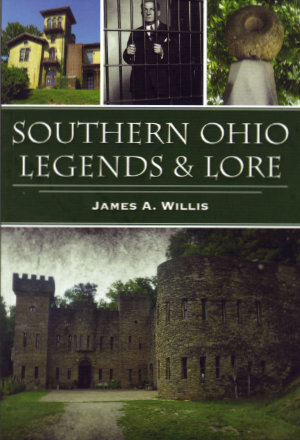
 I met James Willis in March at the first-ever Frogman Festival which I reported on here. In fact, his “Frogman of Loveland, Ohio” presentation was one of the main festival attractions for me even though I almost expected to be disappointed by it. One reason for that was just my general skepticism of all things paranormal related but I also felt I had reason to be skeptical of Mr. Willis specifically. An online bio utilized for the festival begins with “Not since the Headless Horseman went charging through Sleepy Hollow has something come out of the Hudson Highlands of upstate New York as thrilling and chilling as author and paranormal researcher James A. Willis.” That struck me as rather pompous and I more or less anticipated an arrogant fellow demanding I believe in spooks and oversized frogs because he said so. That was not at all what I got, however.
Willis is not exactly timid or unsure of himself but his confidence is solidly backed up by knowledge. He is a long way from arrogant and even farther away from pompous. His presentation did not focus on how weird and mysterious a creature referred to as a “frogman” was but on verifiable facts behind the stories about it. I enjoyed his talk so much that I sought him out when it was over to buy this book containing more stories about my area of Ohio.
As its back cover tells us, Southern Ohio Legends & Lore is filled with “scary, mysterious and just plain weird stories” but Willis’ telling of those stories is, just like his festival presentation, replete with verifiable facts. I do not mean to imply that Willis solves every mystery or debunks every myth. There is a section titled “The Unexplained” and there are plenty of questions that remain unanswered in other sections as well. But those questions are not unanswered due to a lack of trying and I’m fairly confident that no known explanation is intentionally omitted. In addition, Willis does not resort to hyperbole or loaded language to make the stories scarier, more mysterious, or weirder than they already are,
 The stories are divided into six sections: “Ghostly Legends”, “Legendary Characters”, “Legendary Villians”, “Legendary Places”, “The Unexplained”, and “Legendary Events”. Having lived my entire life in southern Ohio, I was already at least somewhat familiar with most of them. There are exceptions including all four “Ghostly Legends”. It is the only section where every story is new to me and it is the only section dealing more or less directly with possibly supernatural phenomena. I’m thinking those two facts might very well be related. I’m also thinking that this is the right place to mention that Willis is the founder and director of the paranormal research group The Ghosts of Ohio. I find it somehow reassuring that this is also the only section where that comes into play and even here there is no straying from the “verifiable facts” approach.
 I don’t believe I learned anything new about any of the “Legendary Characters” but I appreciate the concise and complete descriptions. Willis’ reporting on John Symmes and his hollow earth theory is among the most even-handed and comprehensive I’ve read. Likewise, his tale of “Legendary Villian” George Remus where I did learn a few details for the first time.
 “Legendary Places” combines a place I had never heard of (Athens Pentagram) with three that I am quite familiar with. That somehow makes it my favorite section. One of the three familiar places, the Loveland Castle, was the subject of a blog post here just last fall. “The Unexplained” includes the Loveland Frog that had been my introduction to James Willis. Three major disasters including the 1979 Who concert tragedy appear in “Legendary Events”. All are certainly legendary and make for interesting reading but do not really seem scary, mysterious, or weird.
Maybe I did not learn about a bunch of new places to visit or encounter shocking revelations about people or places not new to me but I did learn that James A. Willis is a stubborn researcher and a straight-shooting reporter even if he doesn’t seem as chilling as a headless horsemen. Those who have not spent three-quarters of a century in southern Ohio will almost certainly be able to expand their list of places to visit or add to the stock of stories they share with friends.
Even I have added something connected to this book to my schedule. Another of the “Legendary Places” with which I am familiar is the site where three nineteenth-century attempts to establish Utopia failed. I read the chapter on Utopia while out to breakfast then, within minutes of returning home, I was presented with an online advertisement for Utopia: A New Musical premiering in a couple of weeks. I immediately bought a ticket because that is most definitely “just plain weird”.
Southern Ohio Legends & Lore, James A. Willis, The History Press (August 15, 2022), 6 x 9 inches, 144 pages, ISBN 978-1467151115
Available through Amazon.
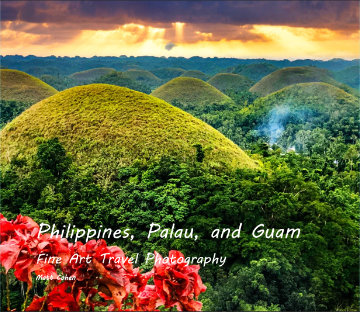 In the prologue of Philippines, Palau, and Guam, Matt Cohen says he considered but discarded the idea of organizing the book along the lines of the Philipines’ four ‘B’s — basketball, beauty contests, boxing, and beaches. I guess that was on my mind as I scanned it for the first time and found myself registering three ‘C’s — color, culture, and composition.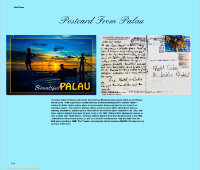
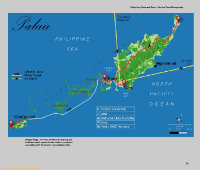 Although it is not presented as such, the book really is a travelogue of sorts. Most if not all of the travel photos were taken during a single extended trip taken by the author and his wife in early 2023. After deciding not to use the four ‘B’s as organizing tools, Cohen went with a fairly straightforward geographical organization. The Philippines gets three chapters covering the three areas where they spent the most time. These are Manila, North Luzon, and Cebu/Bohol. Palau and Guam each get their own chapter. Each chapter begins with an actual postcard that the Cohens mailed to themselves from the region covered by the chapter accompanied by a brief description of the region. A map, with locations of interest marked, follows.
 The chapters are then filled with pictures of people, places, and things accompanied by text ranging from a few words to a few paragraphs. Most questions I had when first encountering a photo were answered in nearby text. The places pictured range from mountains to markets. Things range from colorful new balloons offered for sale to an abandoned Japanese tank slowly being claimed by foliage. People include unnamed workers, islanders in native dress, a mayor, a governor, a president, and a would-be bride left at the altar.
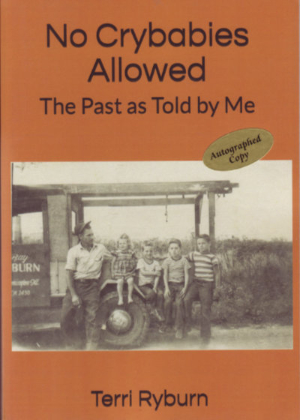 I know Terri Ryburn as the owner of historic Sprague’s Super Service in Normal, Illinois, and as a key ingredient in the Miles of Possibility Route 66 Conferences. I know the picture on the cover of the book from a copy hanging on the wall of the former gas station that Ryburn has turned into a Route 66 information center, gift shop, and photo op. I knew that was Terri seated on the fender with her dad and older brothers standing beside her because she told me when I spotted the photo on the wall. She may have told me that the photo contained only half of her total family but if she did I forgot. From reading No Crybabies Allowed I learned (or maybe relearned) that, while Terri was the youngest family member in this particular photo, she would be in the elder half of eight children after two more brothers and two sisters came along. None were crybabies.
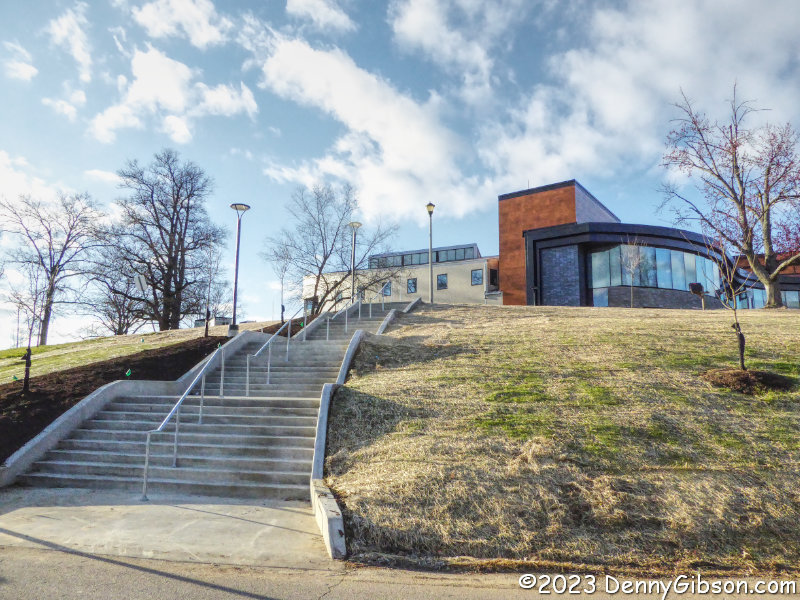

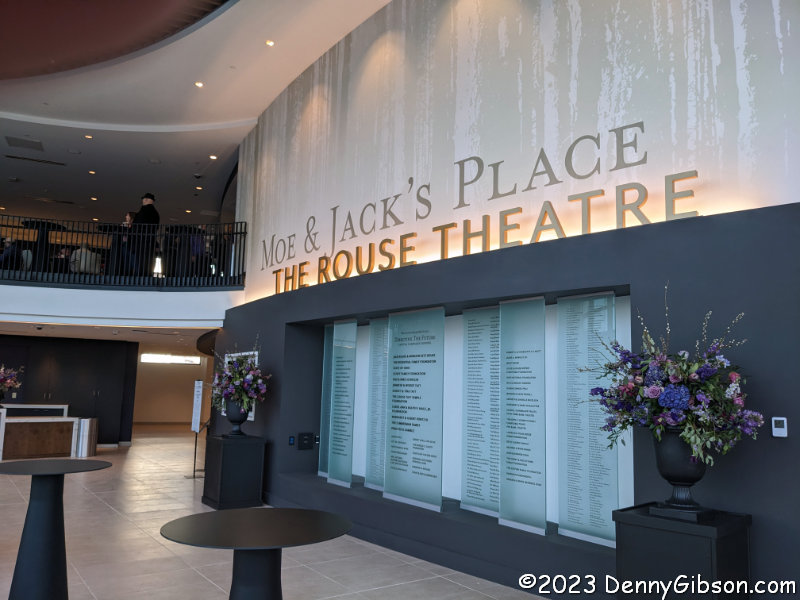
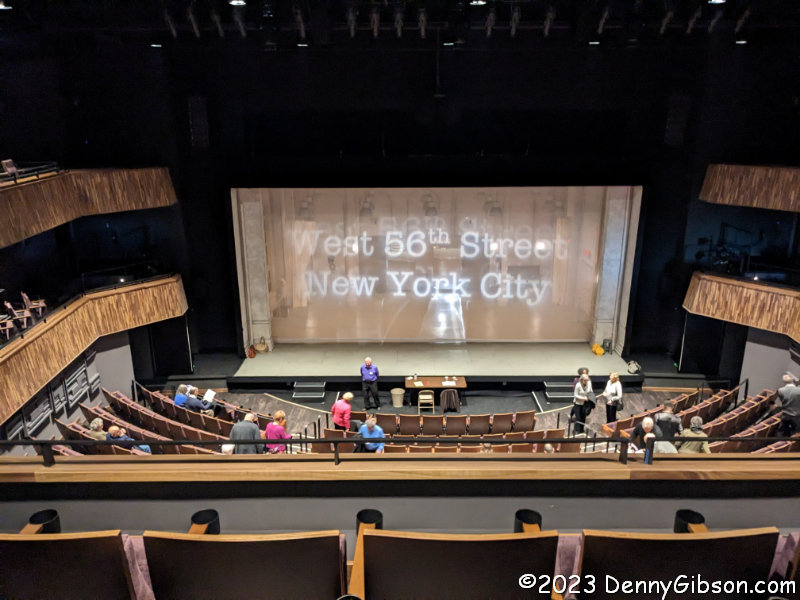
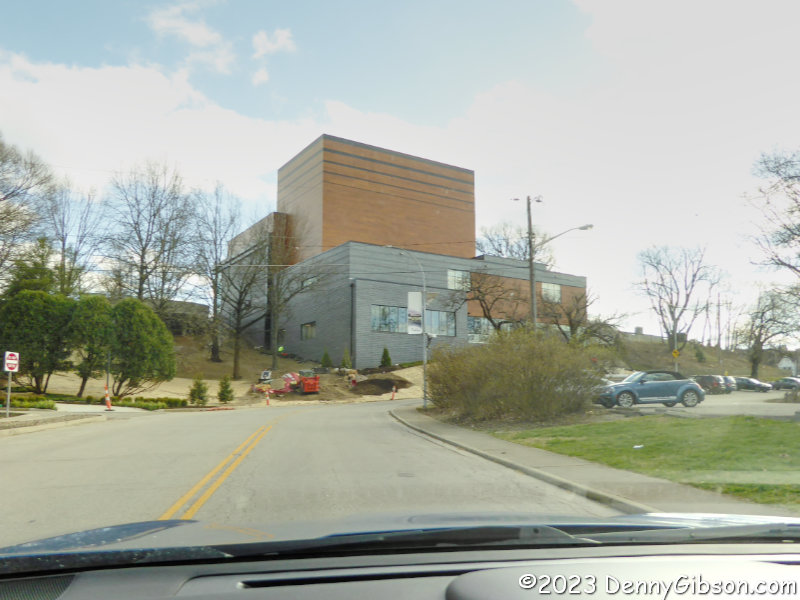
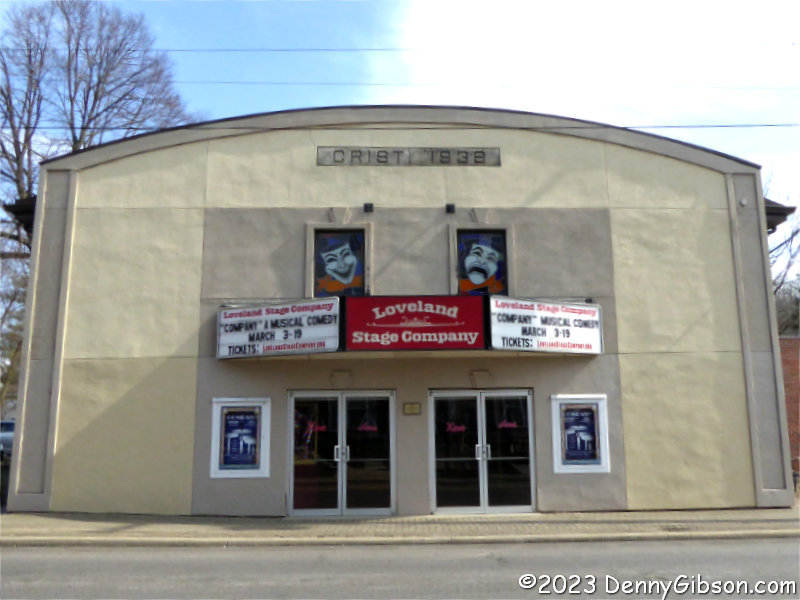
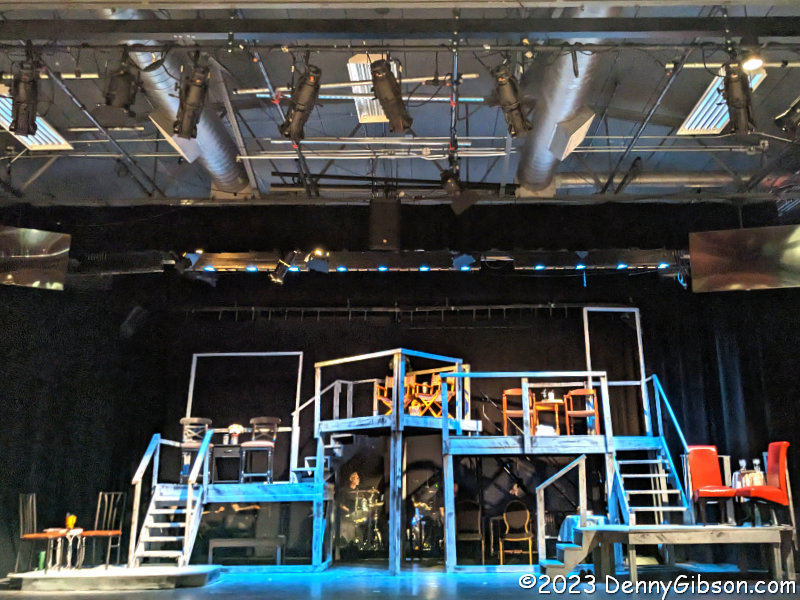
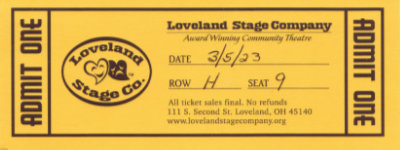 Loveland Stage Company was founded in 1979. I lived inside Loveland city limits from about 1981 to 1997. I visited the town frequently before I physically moved there and visit even more frequently now that I’ve moved a few miles away. I have driven by the LSC theater perhaps hundreds of times. I have seen many interesting titles displayed on that marquee. That I’d not previously been inside is both inexplicable and inexcusable. The performance I saw Sunday compares favorably with some I’ve seen in downtown Cincinnati. Walkable restaurants around LSC also compare favorably with those around the downtown theaters and the parking is cheaper. There’s some Shakespeare (Twelfth Night) coming up at LSC in a couple of months which I hope to catch. I’m also quite curious about what next season will bring.
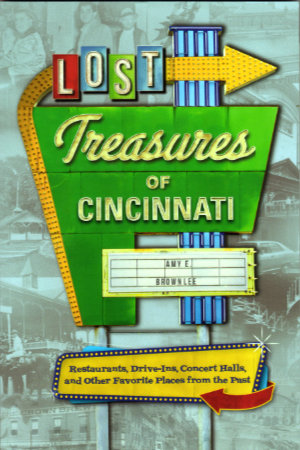 Amy E. Brownlee is a lifelong Cincinnatian. She naturally learned a lot about the city growing up here then used that knowledge and added much more during her ten years at Cincinnati Magazine. An awful lot of the treasures she writes about in Lost Treasures of Cincinnati were lost before she arrived but a rather frightening number have disappeared during her lifetime. Of course, an even larger number have disappeared during mine. Neither of us is responsible for that. I swear it’s coincidence pure and simple.
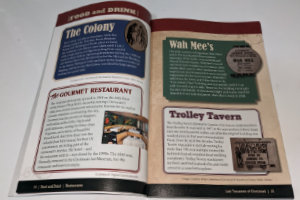
 The book opens with “Food and Drink” in Section 1 then covers “Entertainment” and “Retail” in the next two sections. The smallest section, “Media”, is followed by the largest, “Community”. Definitions for those section titles are not particularly rigid and the size of the “Community” section probably indicates that it is the least rigid of all. It is where things like churches and breweries, of which Cincinnati had more than a few, appear.
 Most, but not quite all, of the breweries mentioned in the book were gone before I got here. Likewise with restaurants and attractions which together comprise the biggest part of things that have disappeared during my lifetime. I caught one show, Hair, at the Shubert (“Entertainment”) before it was torn down. I also saw one movie at the Albee (“Entertainment”) but I don’t remember what it was. I had one meal each at The Gourmet Room and the Maisonette (“Food and Drink”) before they closed. There are quite a few places in this book where I ate one or more meals or watched one or more movies, plays, games, or concerts. Encountering each of them on these pages prompted memories that went way beyond the single paragraph of text. Reading about places that were already gone when I came to Cincinnati didn’t prompt any memories, of course, but it did make me appreciate just how many treasures have been lost.
 I really enjoyed reading Lost Treasures of Cincinnati cover-to-cover front-to-back but as I did, two other ways of reading the book came to mind. With its fairly short standalone essays, it seems like a natural fit for that popular personal reading room with the porcelain furniture. Its use as a reference book also seems rather natural. I don’t mean an every-last-detail reference book to use in conducting deep-dive research but a great place to answer questions like “What was the name of that boat-shaped restaurant?” or “What happened to our NBA team?”. The full index will help the book play that role.

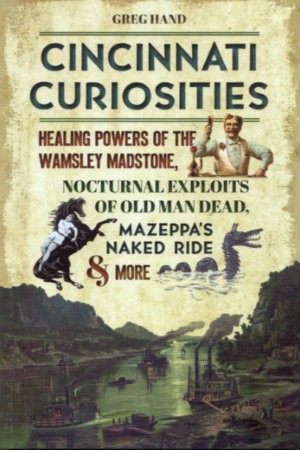 Greg Hand has been a man of letters — or at least a man of words — his entire adult life. He began as a newspaper reporter, moved up to editor, left to head up a university PR department, co-authored three books about the university while he was there, then retired. I was not even slightly aware of any of this as it was happening. I only became aware of Hand’s existence when I stumbled upon the blog he started post-retirement. His knowledge of local history and ability to dig up information to augment that knowledge was immediately apparent and I’ve been an ardent reader of that blog ever since that happy discovery. The blog’s name is Cincinnati Curiosities and it can be found
 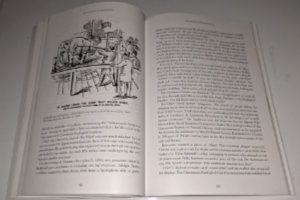 In fact, later in the book, Hand offers another very different capsulated view of the city. On December 12, 1890, he tells us, “The Palace Hotel had elephant steak on the menu because an elephant was executed by firing squad that morning at the Cincinnati Zoo. Hundreds of people watched. That pretty much summarizes Cincinnati in 1890.”
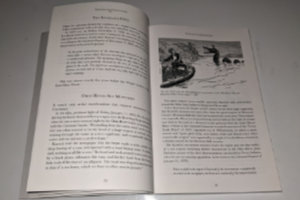 “The Sensational and the Senseless” is the fourth of ten chapters. Other chapters tell of monsters in the Ohio River (“The Old Weird Cincinnati”), Fanny Trollope’s visit during the “Porkoplis” period (“Tales From the Old City”), the possibility that striptease was invented in Cincinnati (“Freaks, Flesh, and Footlights”), and a large variety of other topics. The striptease claim is based on Millie De Leon’s orchestrated removal of several garters in 1901, and Hand cites the claim in suggesting that a Striptease Hall of Fame might be an “appropriate addition to our Over-the-Rhine neighborhood”.
 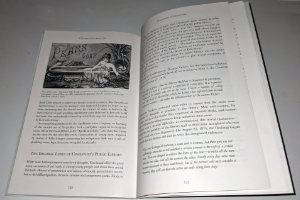 Hand’s usually light-hearted reports are often accompanied by contemporary illustrations. At left is a Pears Soap advertisement based on Lillie Langtry’s famous bath in Apollinaris water at Cincinnati’s Grand Hotel in 1883. It’s in the chapter titled “Nudity, Naughtness, and Negotiable Affection”, and if that doesn’t get you interested in the book I don’t know what will.
 This was one of the most flat-out enjoyable reads I’ve had in a long time. I have seen Katie perform many times, heard her talk on the radio several times, and even chatted with her personally a few times. I knew her as a talented musician and entertaining storyteller but I did not know her as a writer. Others, it seems, have been aware of Laur’s writing skills for some time. It’s my impression that nothing other than the foreword, an introduction, and Katie’s acknowledgments was written specifically for this book. In one of the book’s essays, Katie talks of selling her writing and says she sold everything she wrote. From that, I assume that each of the essays and stories that make up Red Dirt Girl has previously appeared in print somewhere. Where I don’t know and regret that where ever it was, it was outside my field of vision. That I am only now seeing the literary side of Katie is very much my loss. This gal can write.